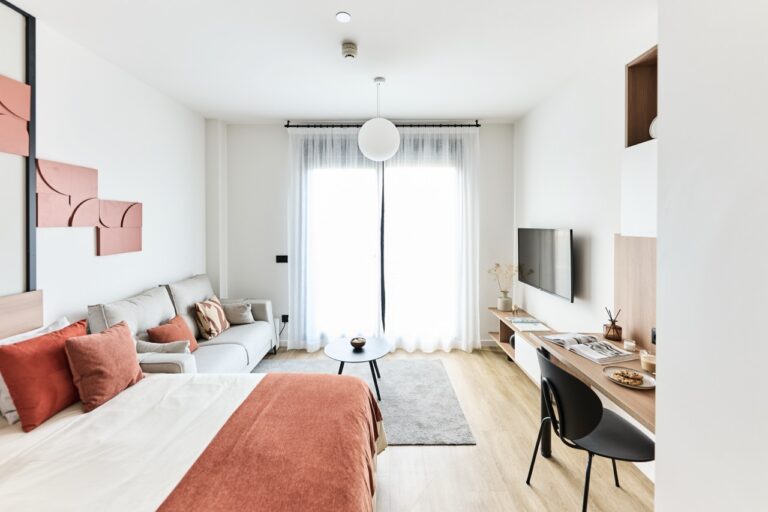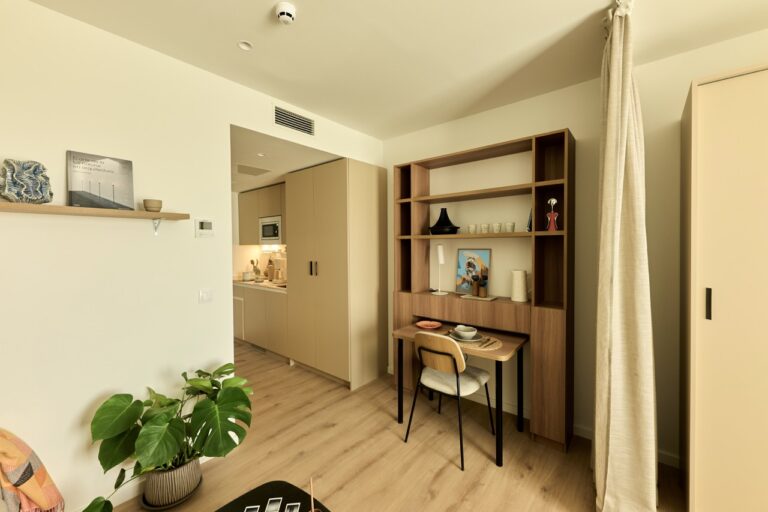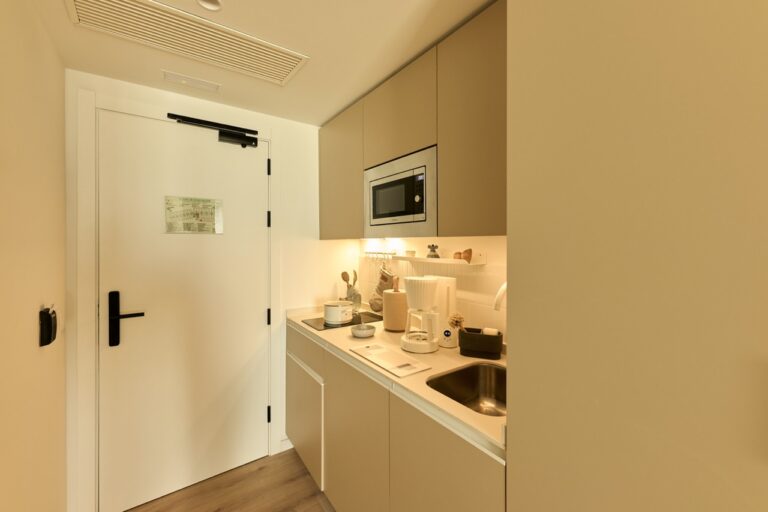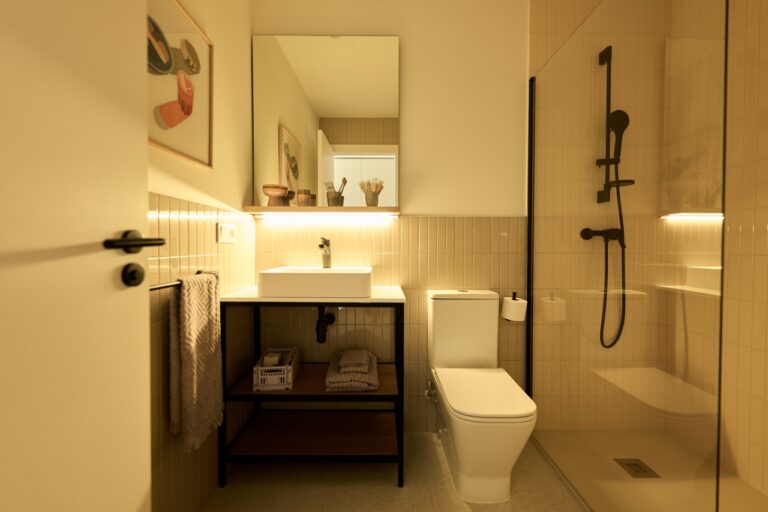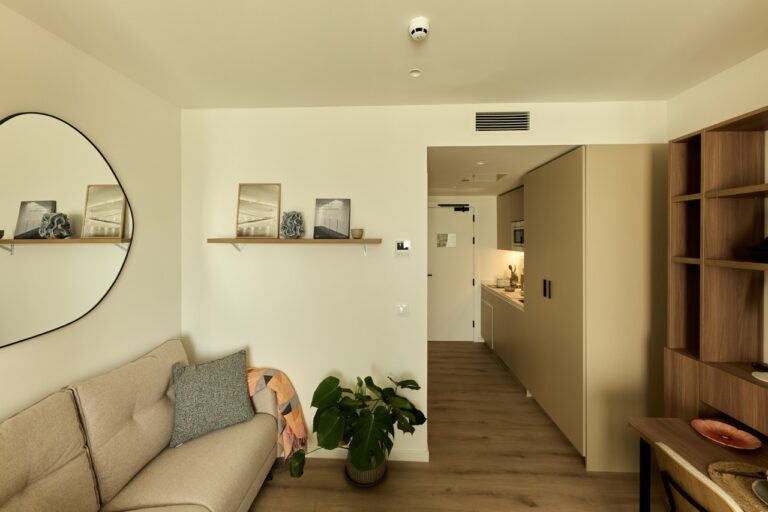
How to organise a workspace at home

In today’s digital age, working from home has become a reality for many people. If you’re one of the lucky ones who has the flexibility to work from home, having a comfortable and productive workspace is essential. Below we’ll give you practical tips for organising your workspace at home and creating an environment where you feel inspired and productive.
Find the right spot
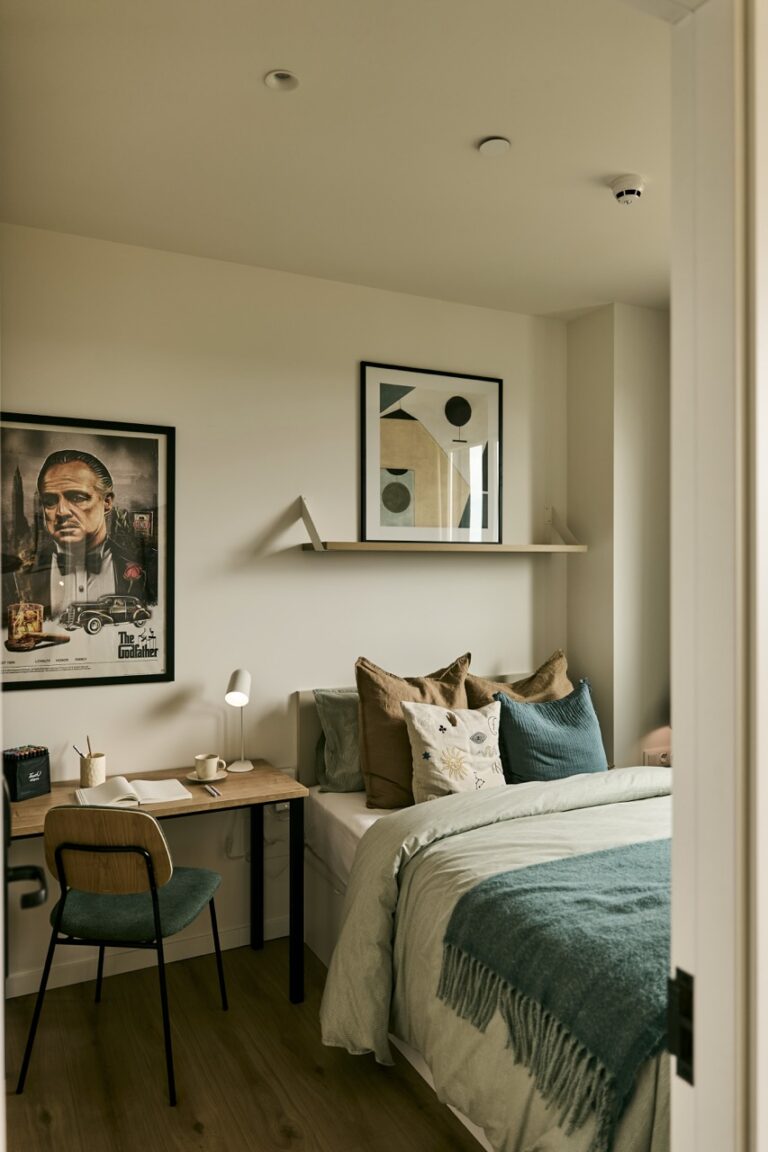
The first step to creating a workspace at home is finding the right location. Choose a quiet place free of distractions. Ideally, this space should be separated from rest areas like the bedroom or living room, so you can switch off at the end of your workday.
Invest in an ergonomic chair
A comfortable, ergonomic chair is a crucial investment for your home workspace. Spending long hours sitting in an unsuitable chair can cause discomfort and long-term health problems. Make sure your chair offers good lumbar support and adjustments to fit your height and preferences.
The right desk
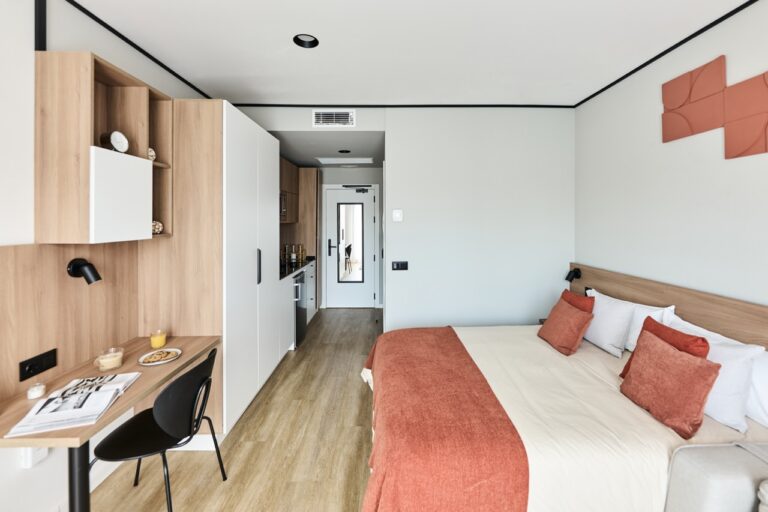
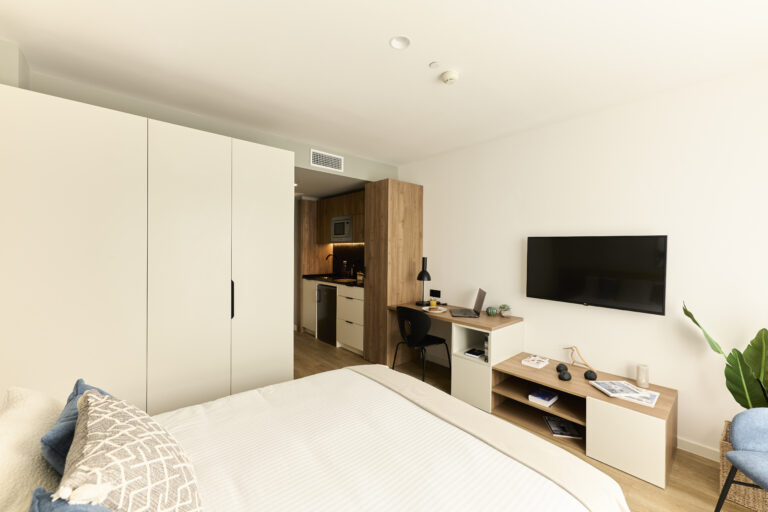
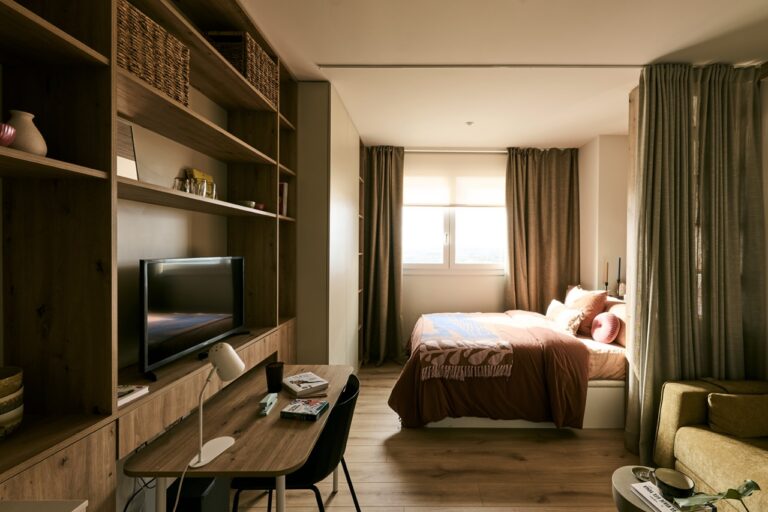
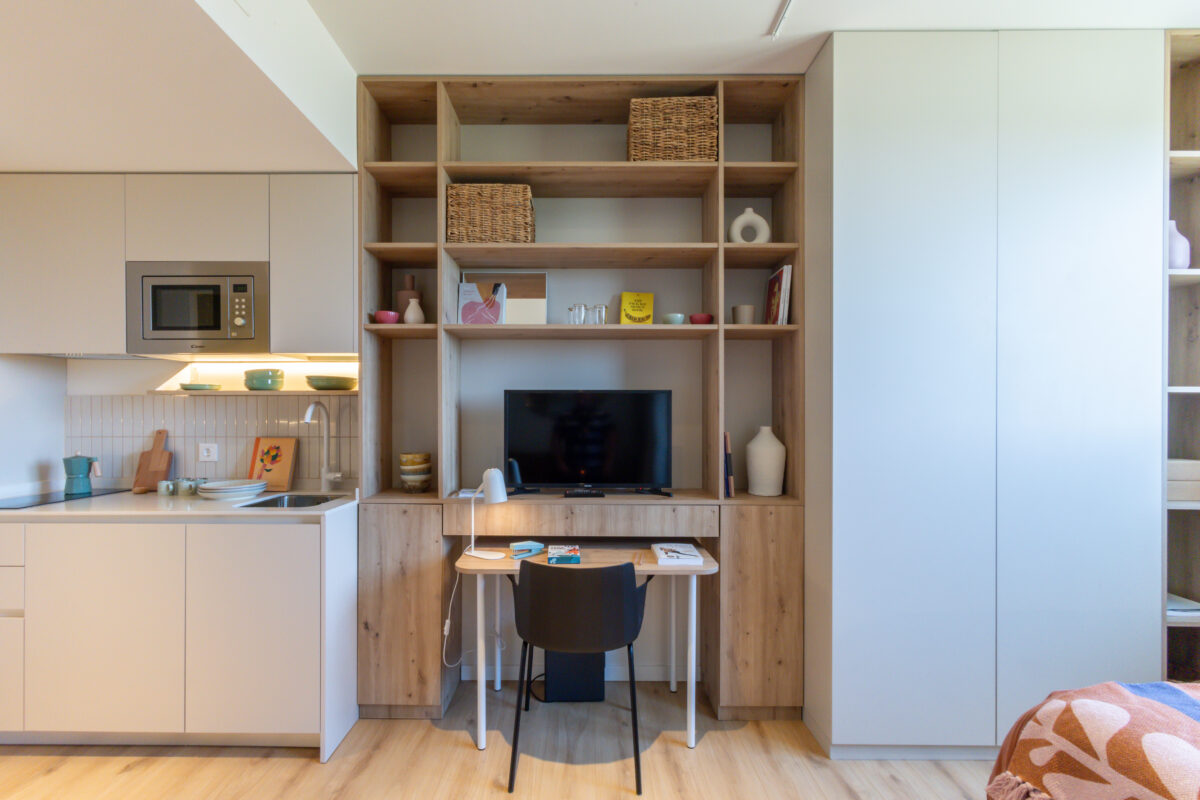
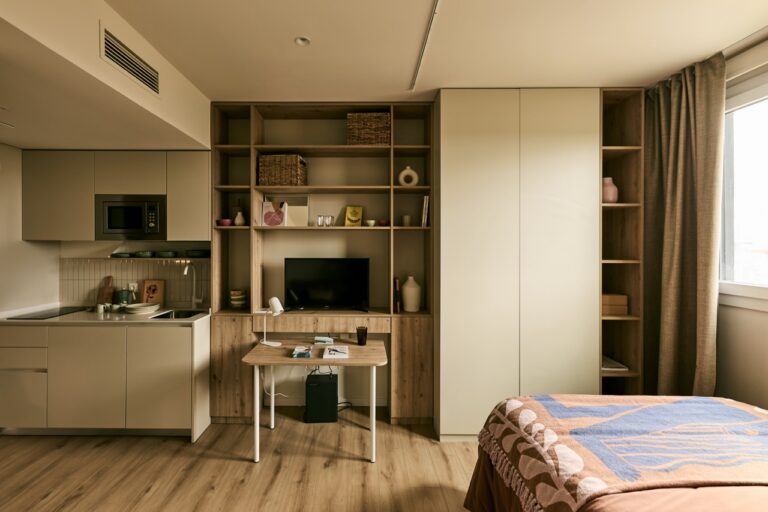
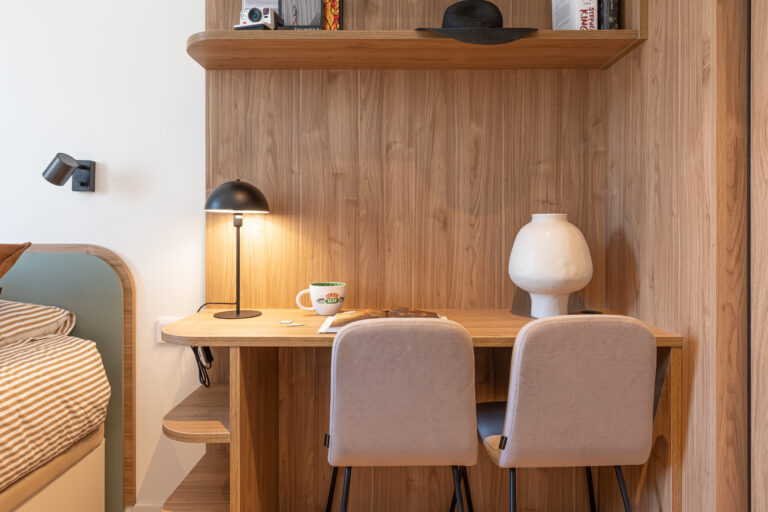
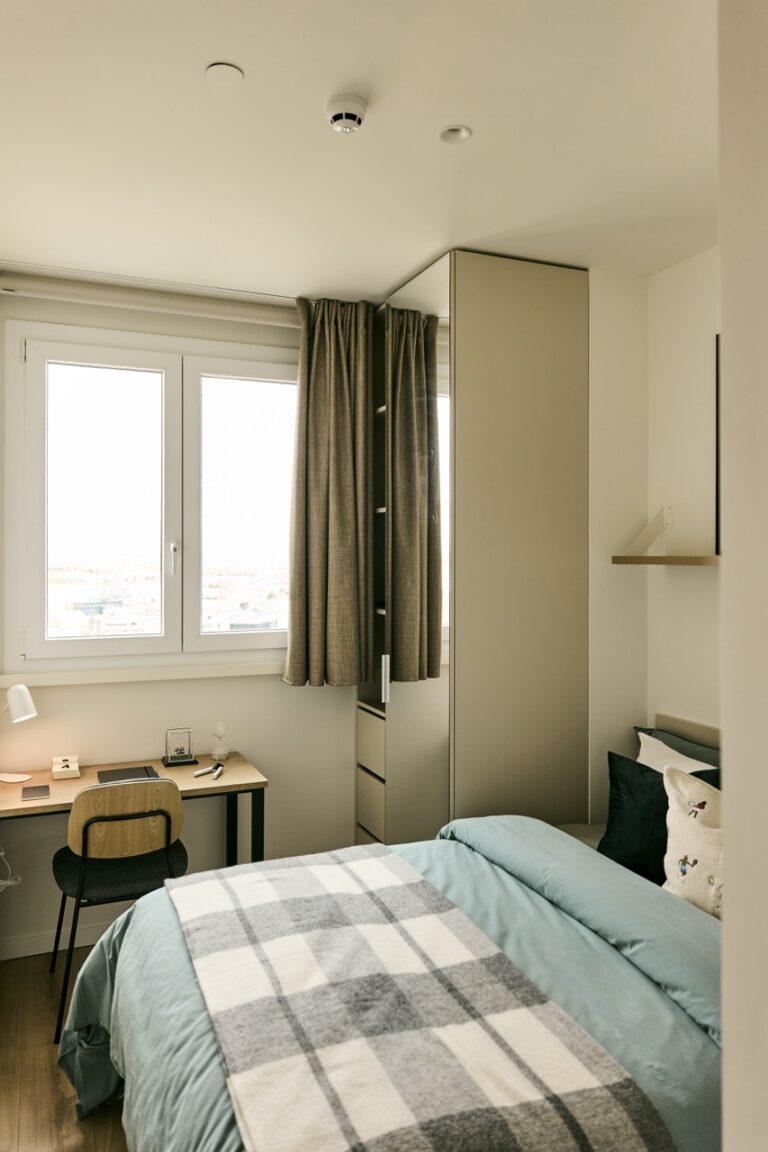
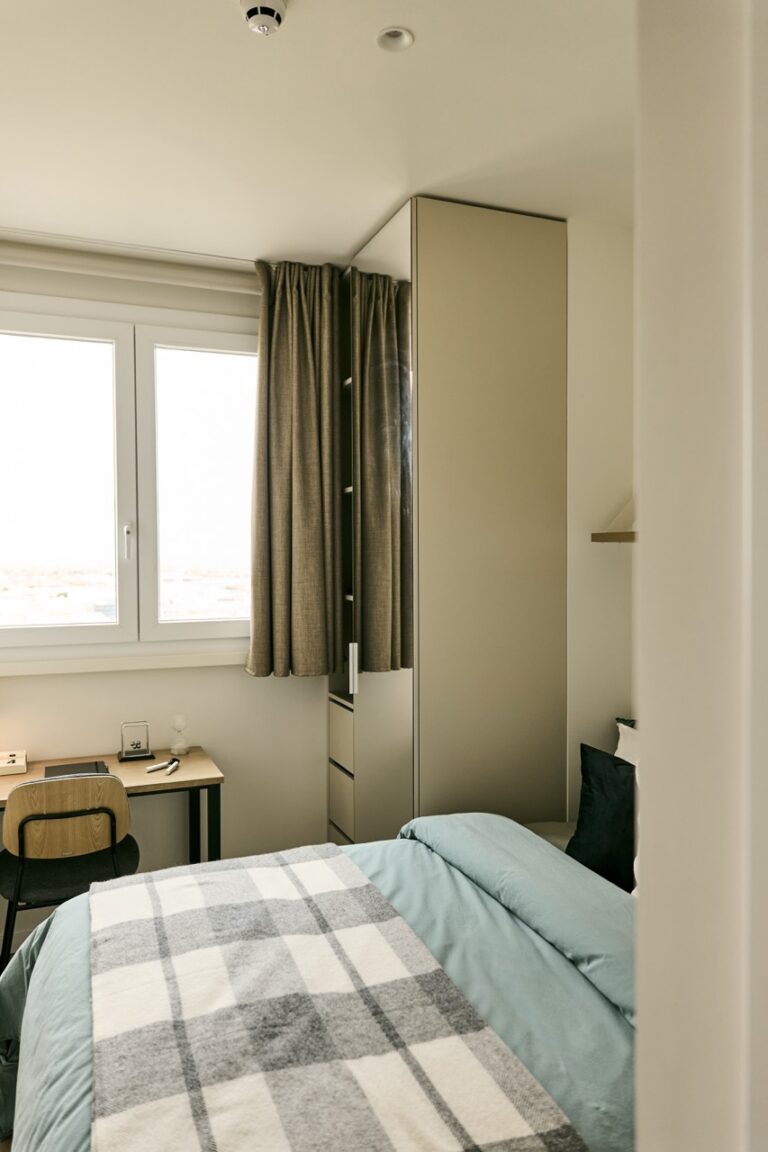
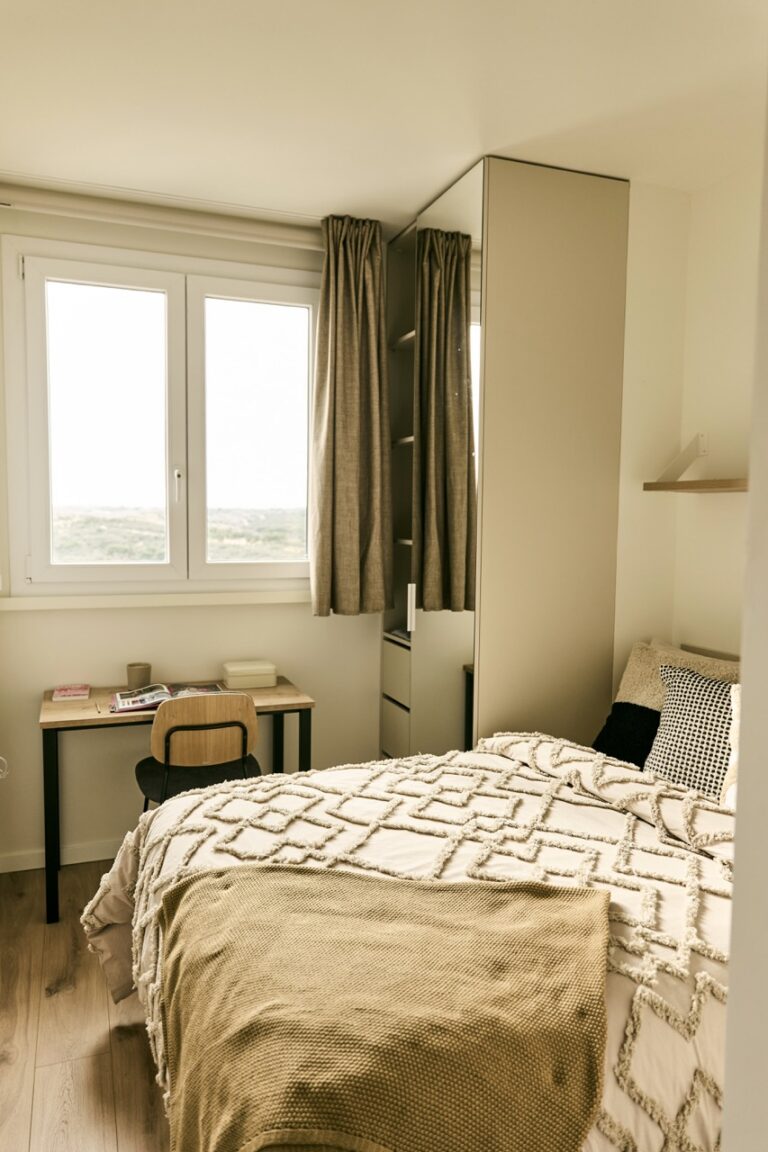
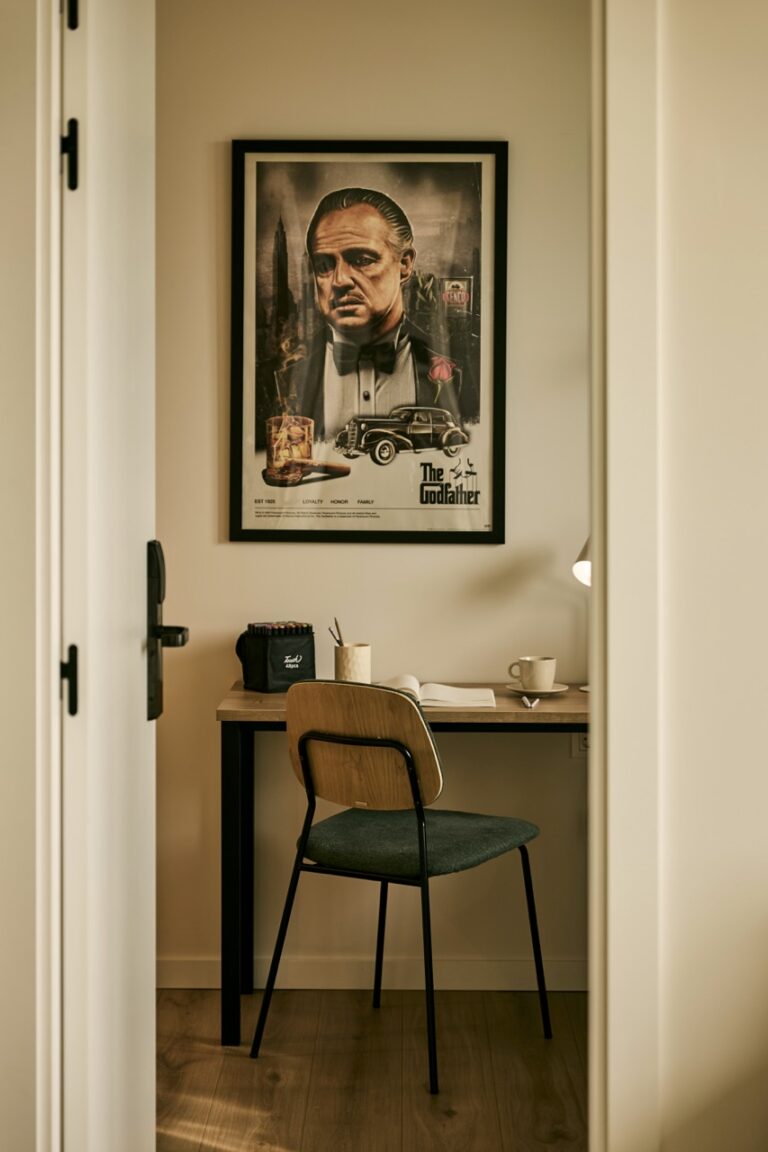
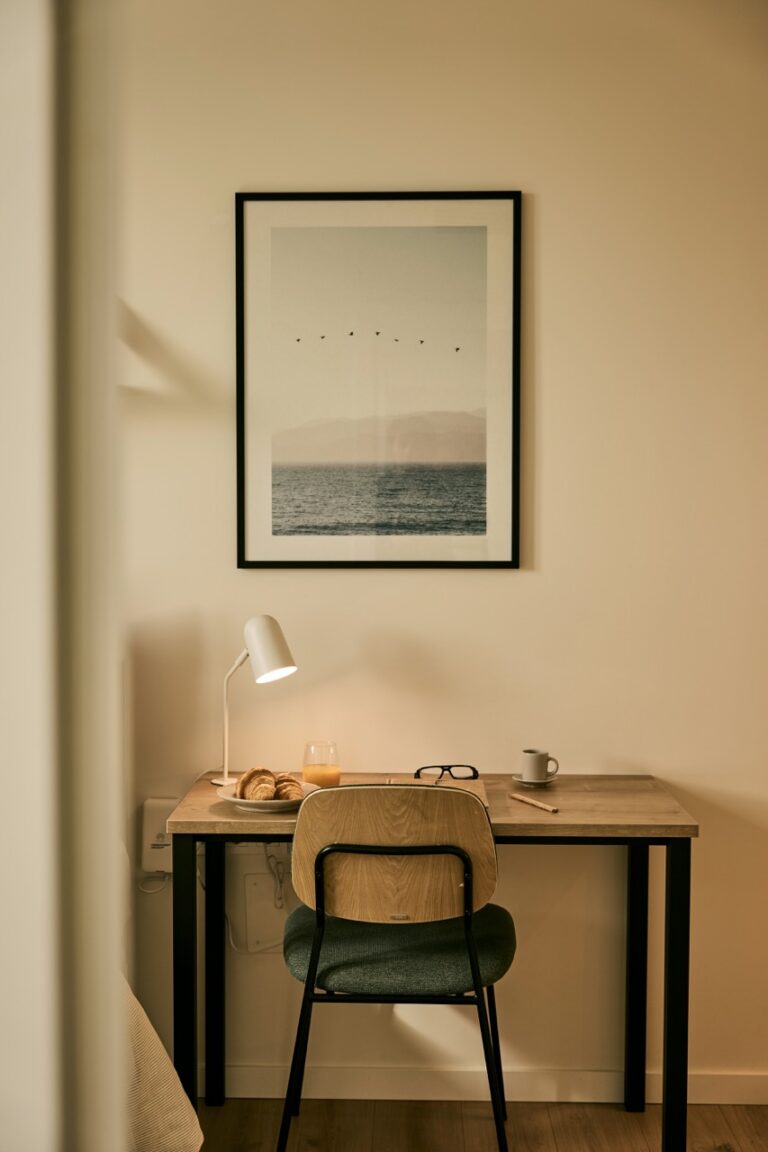
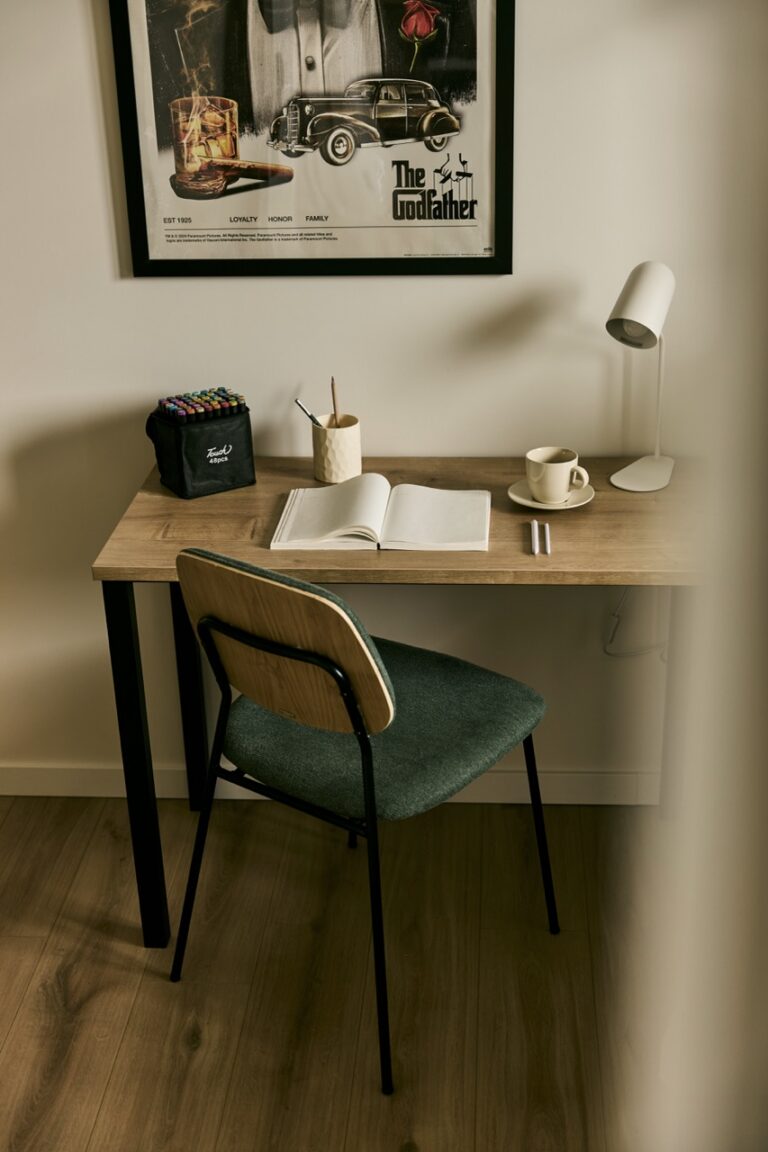
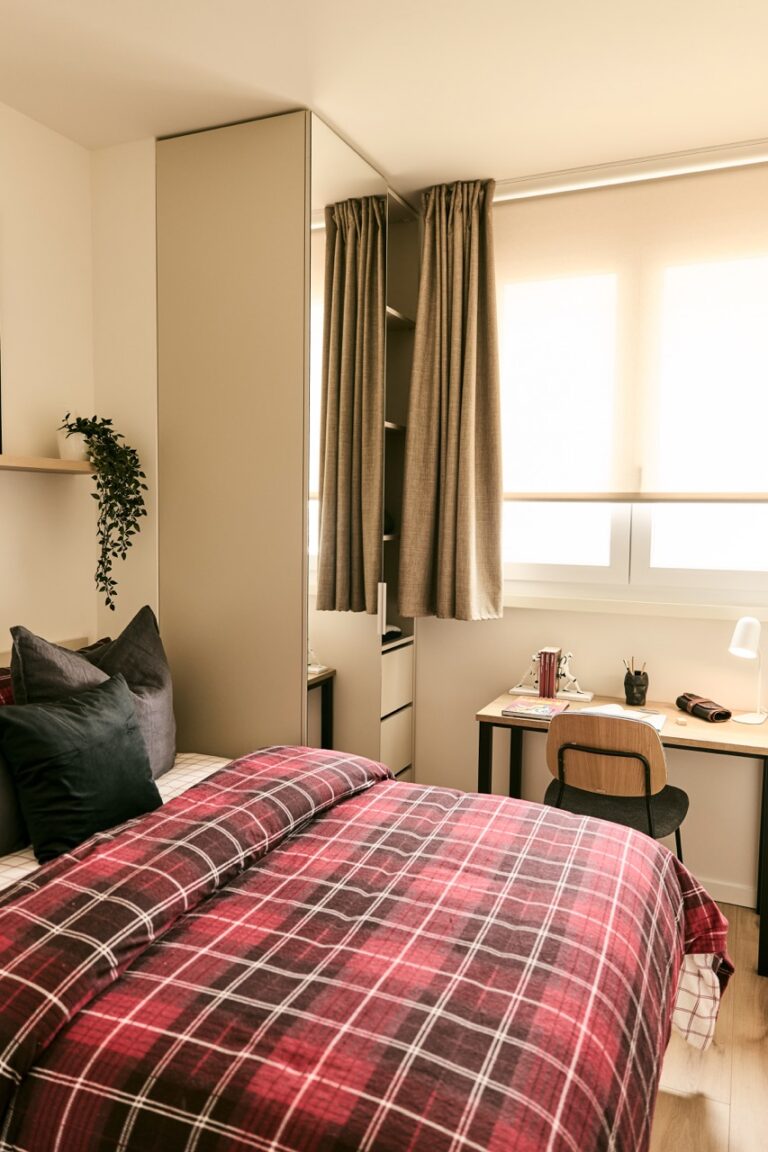
A spacious, functional desk is essential for staying organised and productive. Choose one that suits your needs and the space available. It should be big enough for your computer, monitor, keyboard and any other equipment you need.
Proper lighting
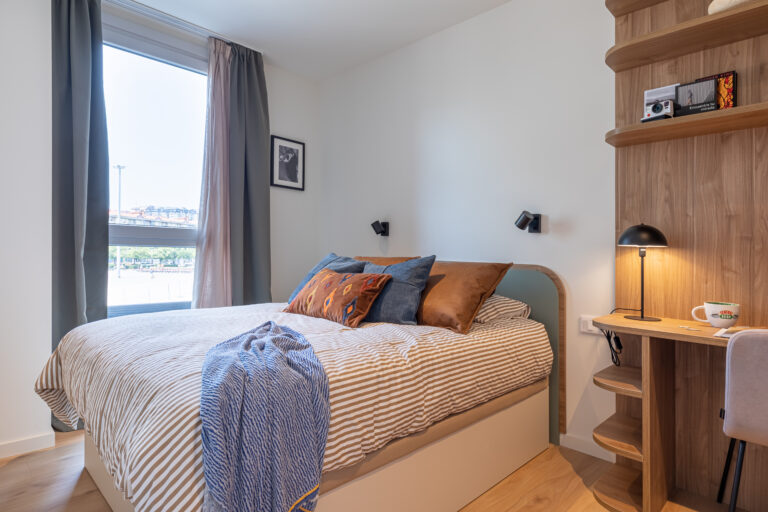
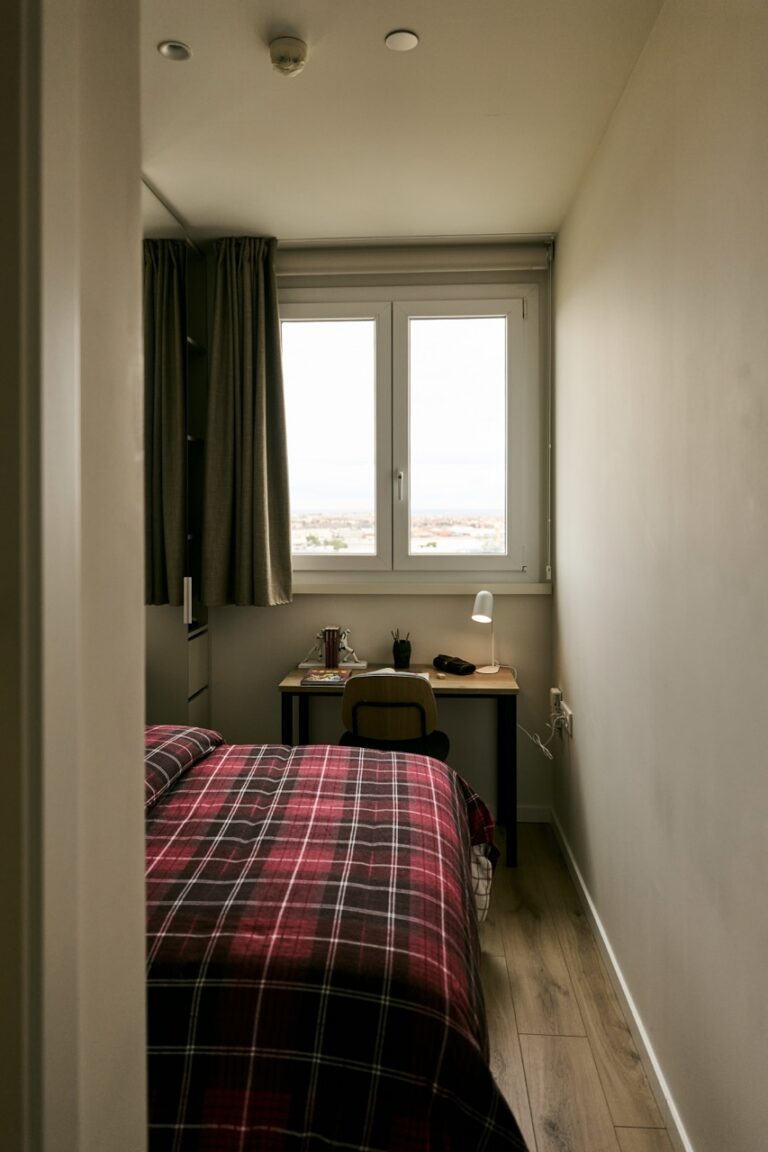
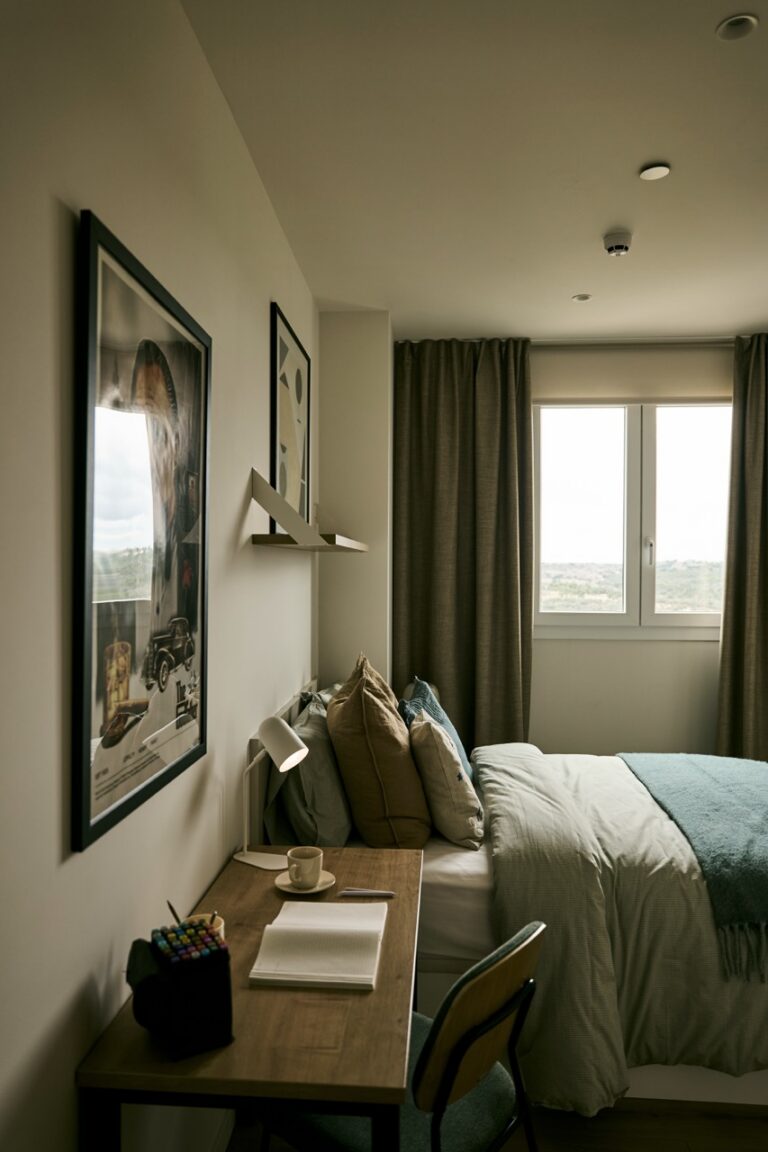
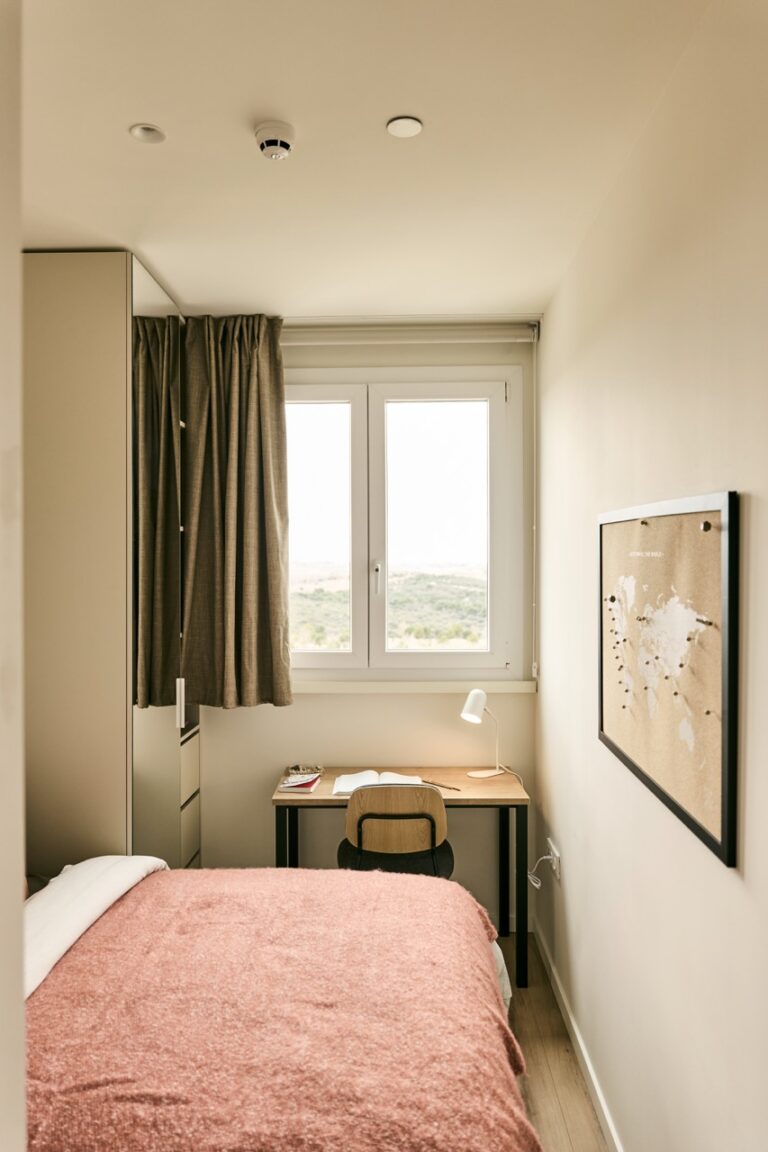
Lighting is key to creating an effective work environment. Place your desk near a window to take advantage of natural light during the day. Also, make sure to have an adjustable desk lamp to light up your workspace during low-light hours.
Efficient organisation
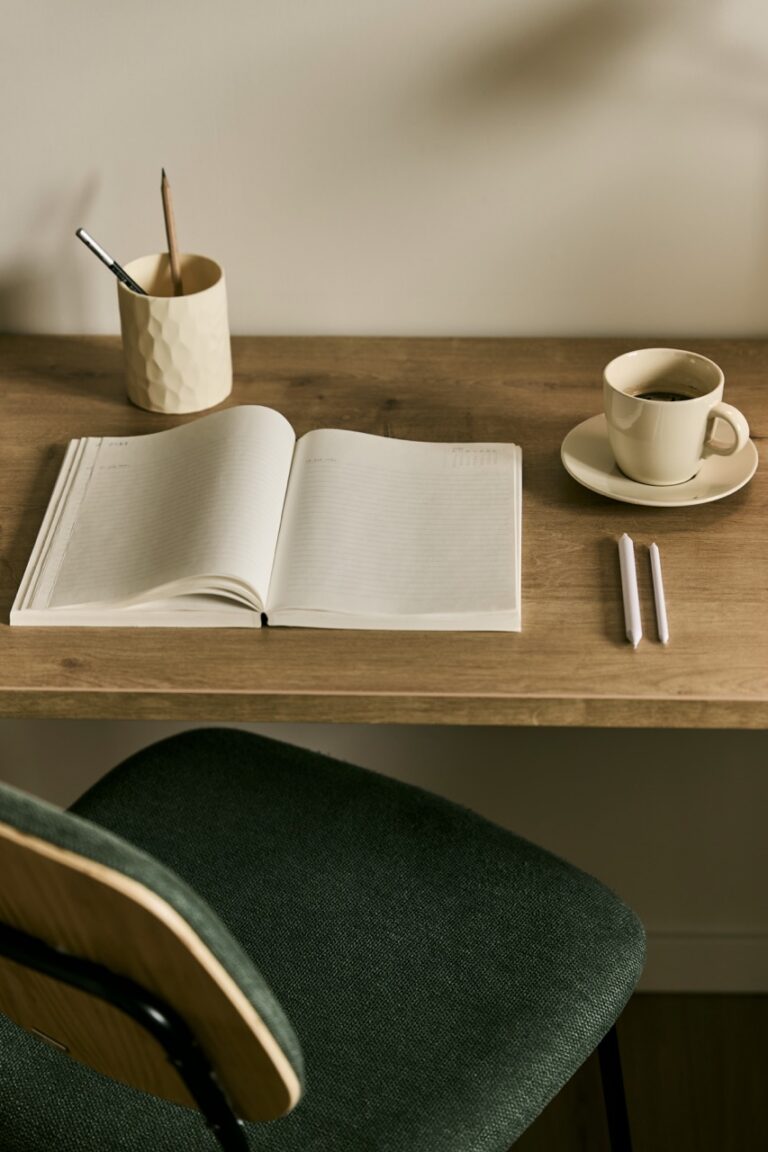
Keep your workspace tidy and organised. Use desk organisers, drawers or shelves to neatly store your office supplies, documents and other items. This will help you find what you need quickly and efficiently.
Personalise your space
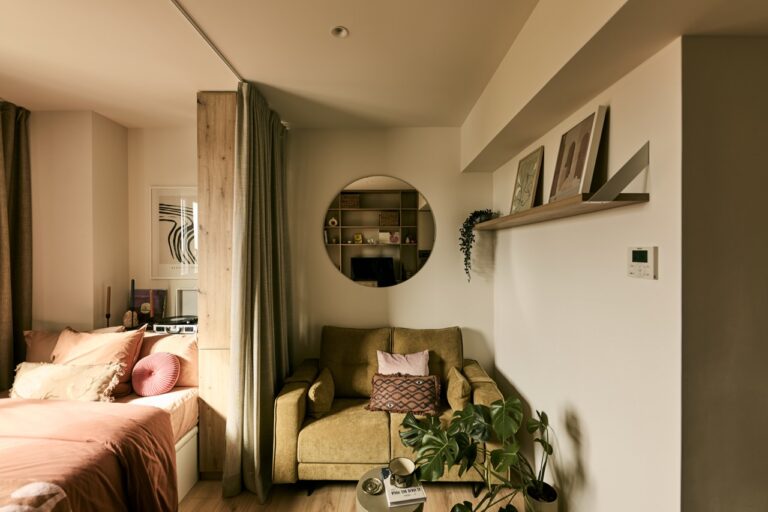
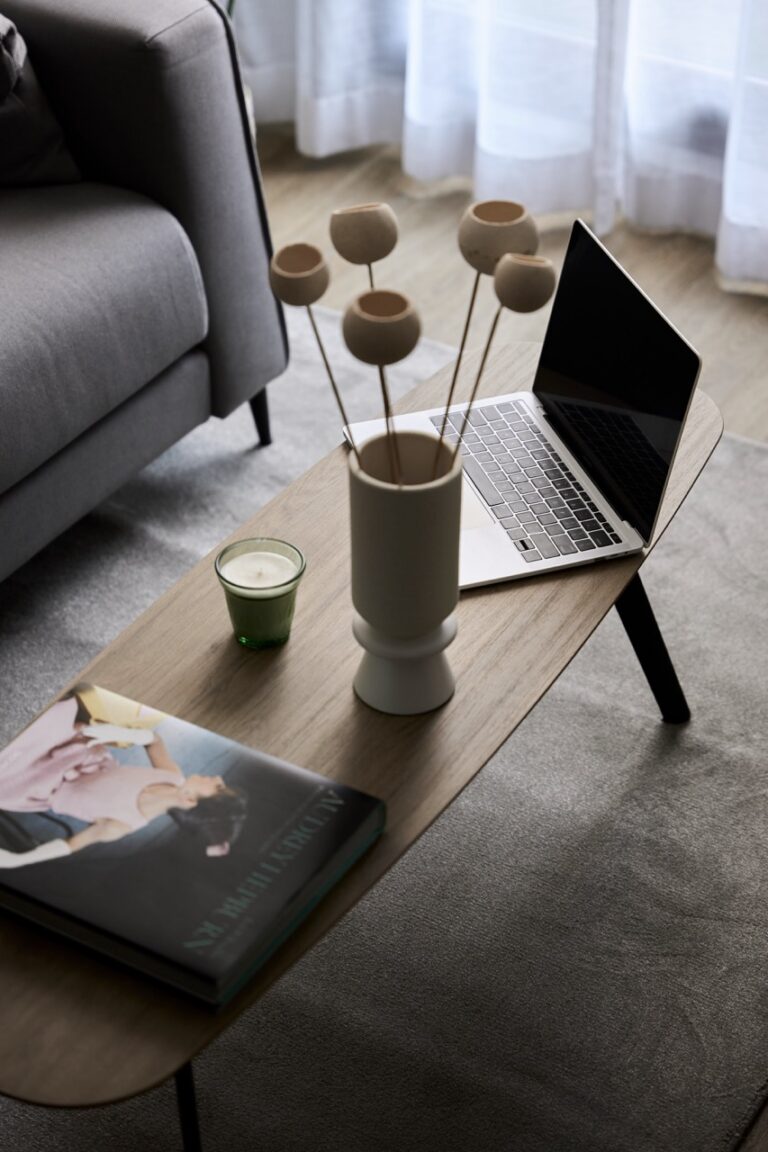
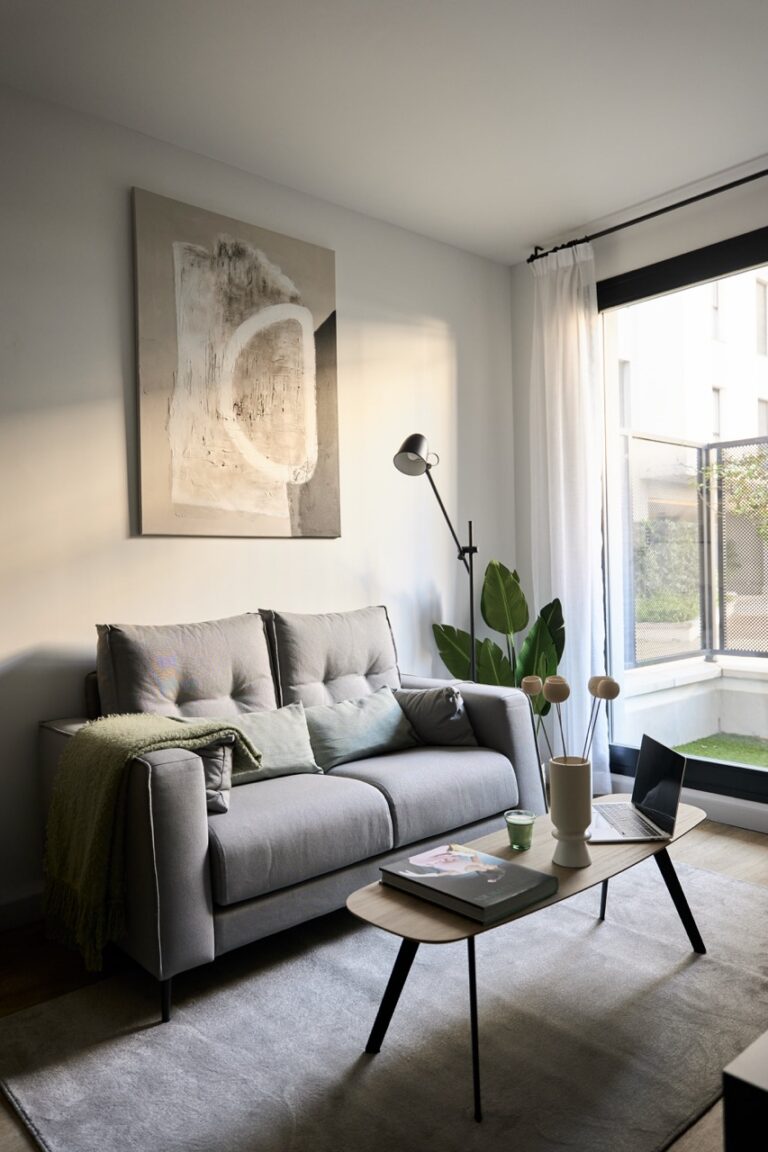
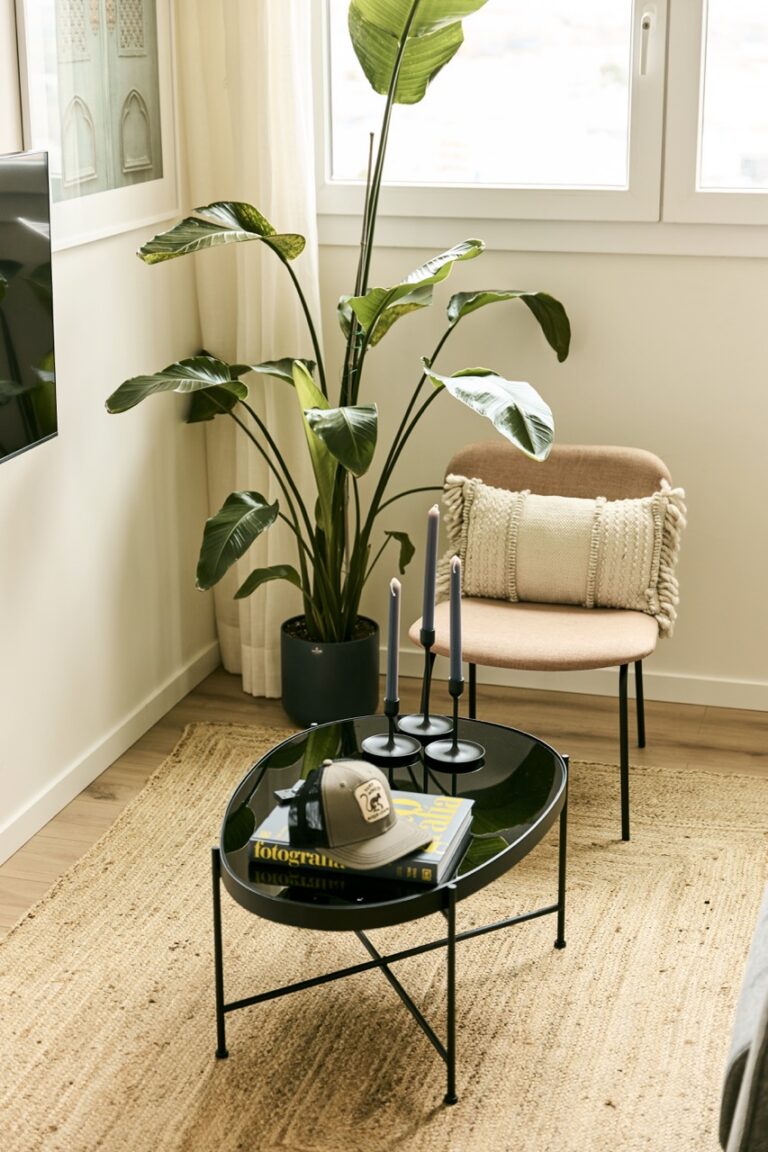
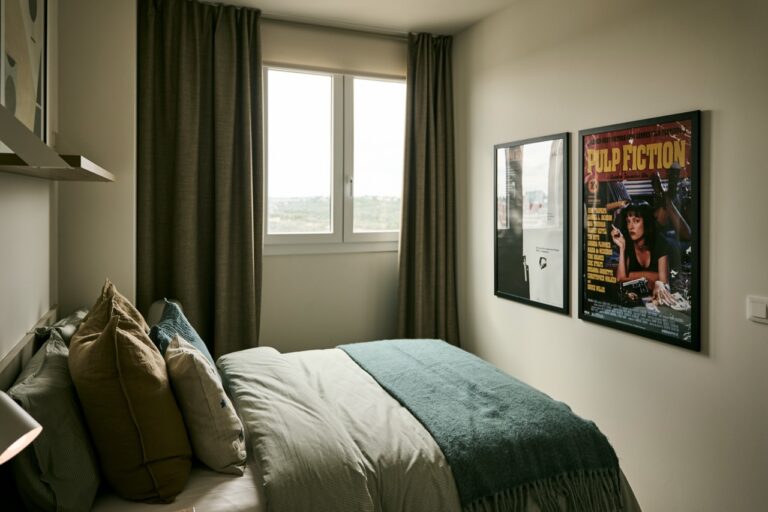
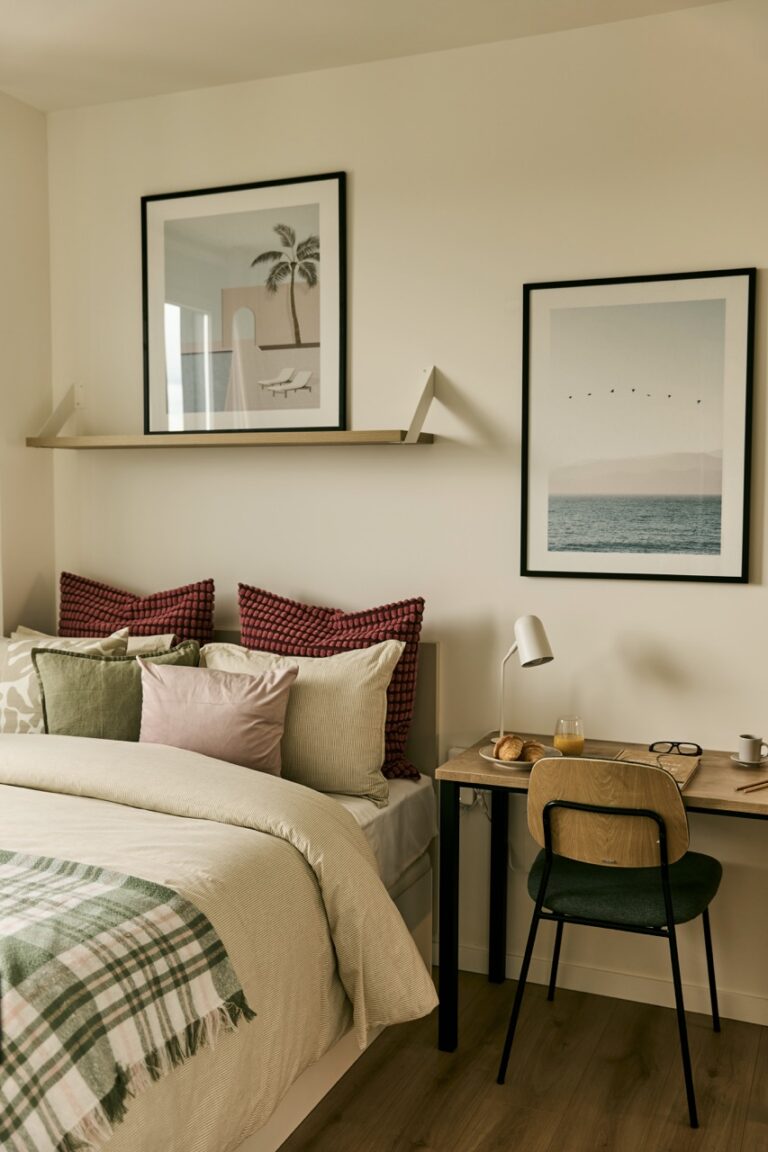
Make your workspace pleasant by personalising it with items that inspire you. Add photos, plants or art you like. A pleasant environment can boost creativity and motivation.
Organised cables
Loose cables can create clutter and distract you. Use cable organisers or clips to keep them tidy and out of sight. This not only improves the look of your space, but also avoids potential hazards.
Monitor
Make sure your monitor is at eye level and a comfortable distance away. Use an ergonomic keyboard and mouse to avoid strain on your wrists and shoulders. Consider raising your computer screen with an adjustable stand if needed.
Set time limits
Working from home can lead to mixing personal and work time. Set time limits for your workday and follow a regular schedule. This will help you avoid burnout and keep a balance between work and personal life.
Eliminate distractions
Identify and eliminate the distractions that can interrupt your workflow. This includes turning off unnecessary notifications on your computer and phone, plus setting rules with your household members to avoid constant interruptions.
In short, a productive and comfortable workspace at home is essential for maximising your efficiency and well-being while working from home.
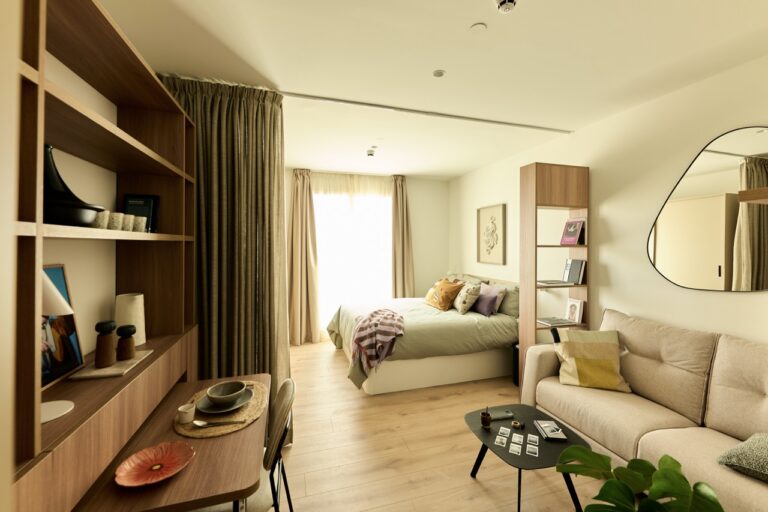
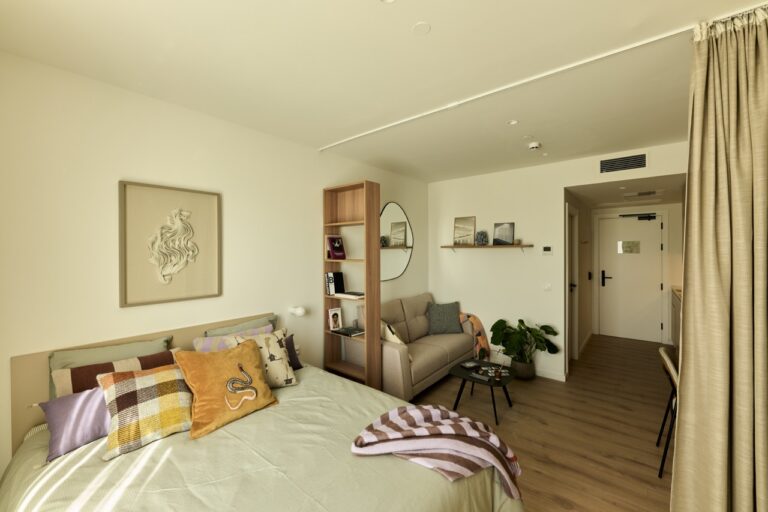
With Be Casa you get a plus — in any of our 3 communities in Rivas, Valdebebas or San Sebastián de los Reyes, you have coworking rooms with fast internet, chairs and desks adapted so you can work remotely as if you were in an office. Not to mention the pleasant atmosphere of sharing this space with your neighbours.